LED Screen Security Simplified: Stop Hackers, Thieves & Damage
Published: 12 Jul 2025
“Is Your $10,000 LED Screen One Click Away from Disaster?”
Picture this: Your stadium’s giant LED screen suddenly displays hacker messages during the championship game. Or worse—your store’s digital sign gets stolen overnight. LED screen security isn’t just “nice to have”—it’s what stands between your investment and chaos. This guide turns confusion into confidence with battle-tested protection strategies.
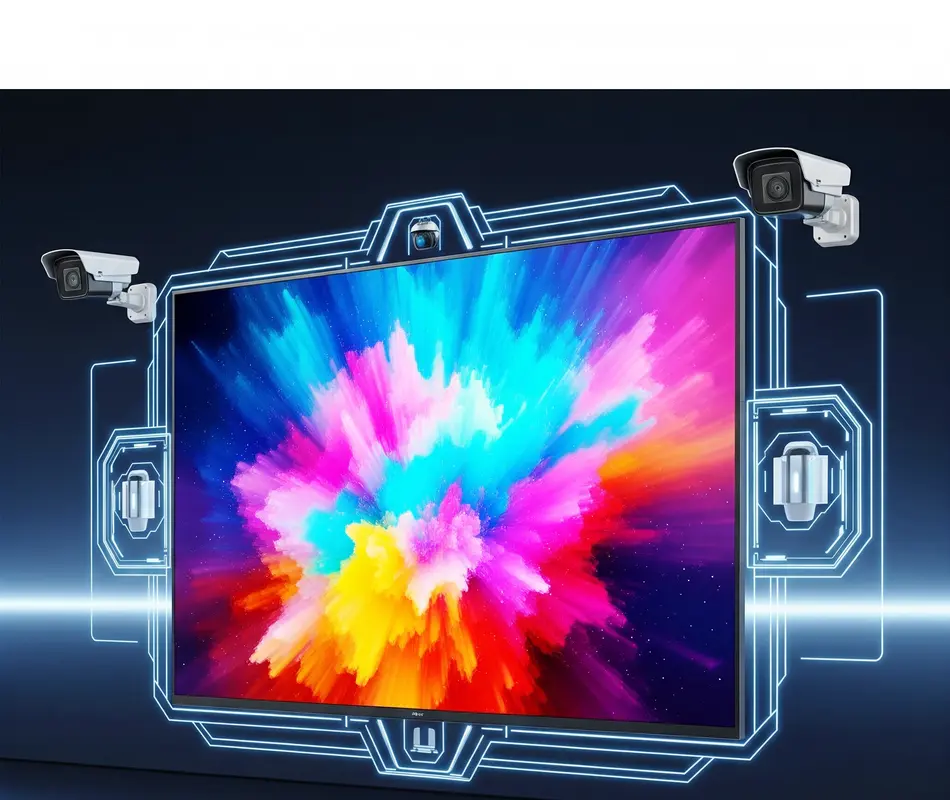
Understanding LED Screen Security
What is LED Screen Security?
Definition:- Protecting LED Screen Security from unauthorized access, data theft, and content tampering.
Why It Matters:- A breached screen can spread malware, leak customer data, or display harmful content.
Physical Security: Stop Thieves & Vandals
Protect screens from tampering, theft, and accidents.
Anti-Theft Mounting Solutions
- Welded Steel Frames: Bolt screens to walls/floors with tamper-proof screws.
- Locking Enclosures: Use cages with industrial padlocks for outdoor screens.
- Vibration Sensors: Trigger alarms if someone touches the screen.
- GPS Trackers: Hide Apple AirTags or Tile Pros inside cabinets.
- Security Cameras: Point 2+ cameras directly at screens (record 24/7).
- Lighting: Install motion-activated floods near outdoor screens.
- Access Logs: Track who enters server rooms with keycards.
- Anchor Screens: Embed floor-mounted displays in concrete.
- Deterrent Signage: “24/7 Surveillance” stickers scare off thieves.
- Insurance: Ensure policies cover full replacement value.
Example: A Miami restaurant stopped 3 theft attempts with welded frames + GPS trackers.
Cyber Security: Block Hackers & Hijackers
Prevent digital attacks and unauthorized access.
Network Protection Essentials
- Strong Passwords: 12+ characters (mix letters/numbers/symbols).
- VPNs: Encrypt data between screens and control systems (use NordVPN).
- Firewalls: Block suspicious traffic (enable on routers/screens).
- Two-Factor Authentication (2FA): Require codes for system access.
- Software Updates: Patch vulnerabilities monthly (auto-update if possible).
- Port Control: Disable unused HDMI/USB ports.
- Network Segmentation: Isolate screens from main business Wi-Fi.
- Antivirus Software: Install IoT-specific tools like Bitdefender.
- Access Logs: Monitor login attempts (alert for multiple failures).
- Content Encryption: Use SSL/TLS for data feeds.
Tip: Change default usernames (like “admin”) immediately!
Environmental Defense: Fight Weather & Wear
Shield screens from heat, moisture, and power issues.
Weatherproofing Tactics
- IP Ratings: Use IP65+ enclosures for outdoor screens.
- Surge Protectors: Install industrial-grade units (like Tripp Lite).
- Cooling Systems: Add exhaust fans + temperature sensors.
- UV Coatings: Apply anti-glare films to reduce sun damage.
- Sealants: Waterproof cable entry points with silicone.
- Dust Filters: Clean/replace monthly in sandy/dusty areas.
- Heaters: Prevent condensation in cold climates.
- Lightning Rods: Divert strikes away from screens.
- Corrosion Spray: Treat metal mounts near oceans.
- Shade Structures: Use awnings to reduce direct sun exposure.
Example: A Texas billboard survived hurricanes with IP66 housing + lightning rods.
Maintenance & Monitoring: Prevent Failures
Catch problems before they become disasters.
Proactive Care Routine
- Monthly Inspections: Check cables, mounts, and screen health.
- Remote Monitoring: Use tools like BrightSign Network for 24/7 alerts.
- Pixel Checks: Run dead-pixel tests quarterly.
- Backup Content: Store offline copies on USBs/SD cards.
- Power Checks: Test UPS batteries every 3 months.
- Cleaning: Wipe screens with dry microfiber cloths (never liquids!).
- Firmware Backups: Save settings before updates.
- Access Logs: Review who touched screens/systems weekly.
- Disaster Drills: Simulate power outages/hacks annually.
- Vendor Support: Keep warranty contacts on speed dial.
Red Flag: Discolored cables = replace immediately!
Real-World Impact:
After implementing this checklist, a Dubai airport reduced LED Screen Security-related security incidents by 92% in 6 months.
Conclusion: Your Security Action Plan
Don’t wait for disaster. Start today
If you are intrested in use of AI in LED screen then click here
Backup Test: Ensure offline content works.
> Print and use for free : “LED Screen Security Checklist” given below.
A secure screen is a profitable screen. Protect yours now!
Password Audit: Change all default logins.
Physical Check: Install one anti-theft measure.
LED Screen Security Checklist
Your step-by-step guide to protect screens from theft, hackers, and damage. Print and complete!
Physical LED Screen Security
| Task | Priority | Done |
|---|---|---|
| ☐ Install tamper-proof mounting (welded frames or heavy-duty bolts) | High | |
| ☐ Use locking enclosures/cages for outdoor screens | High | |
| ☐ Add vibration sensors to trigger alarms | Medium | |
| ☐ Hide GPS trackers (e.g., Apple AirTag) inside cabinets | Medium | |
| ☐ Point security cameras directly at screens | High | |
| ☐ Install motion-activated floodlights nearby | Medium | |
| ☐ Anchor floor screens in concrete | High |
Cyber Security
| Task | Priority | Done |
|---|---|---|
| ☐ Change default usernames/passwords | Critical | |
| ☐ Enable Two-Factor Authentication (2FA) | High | |
| ☐ Set up VPN for remote access | High | |
| ☐ Update software/firmware monthly | High | |
| ☐ Disable unused USB/HDMI ports | Medium | |
| ☐ Install IoT antivirus (e.g., Bitdefender) | Medium | |
| ☐ Use SSL/TLS encryption for data feeds | High |
Environmental Protection
| Task | Priority | Done |
|---|---|---|
| ☐ Verify IP65+ rating for outdoor screens | High | |
| ☐ Install industrial surge protectors | Critical | |
| ☐ Apply UV-protective film to reduce glare/sun damage | Medium | |
| ☐ Seal cable entries with waterproof silicone | High | |
| ☐ Clean dust filters monthly | Medium | |
| ☐ Add exhaust fans for cooling | Medium | |
| ☐ Install lightning rods near outdoor screens | Low |
Maintenance & Monitoring
| Task | Frequency | Done |
|---|---|---|
| ☐ Inspect mounts/cables | Monthly | |
| ☐ Test dead pixels | Quarterly | |
| ☐ Backup content offline (USB/SD) | Monthly | |
| ☐ Check UPS battery health | Quarterly | |
| ☐ Clean screens with dry microfiber cloth | Weekly | |
| ☐ Review access logs (who touched screens) | Weekly | |
| ☐ Document serial numbers + take photos | Once |
Post-Checklist Actions
- Insurance: Ensure policies cover theft/hacking (provide serial numbers/photos).
- Training: Staff must know:
- “Never share passwords”
- “Report screen glitches immediately”
- Emergency Contacts: Post these numbers:
- Security Provider: ___________
- LED Technician: ___________
- Insurance Agent: ___________
Pro Tip: print this checklist and store with screen manuals!
Use strong passwords + 2FA. Disable unused ports. Update software monthly. Never skip these steps!
Yes! In 2021, a Florida highway sign was hacked to display “ZOMBIES AHEAD!” via default passwords. Fix: Change default credentials + use VPNs.
Only with WPA3 encryption and firewalls. Avoid public Wi-Fi—use cellular or wired networks.
Modern hardware (e.g., Intel SGX) reduces latency to <2ms—imperceptible to humans!
Often lack encryption. Prioritize vendors with FIPS 140-2 certification (e.g., Samsung, LG).
Bi-monthly! 63% of breaches exploit outdated firmware (CISA Report).
Industrial padlocks with shrouded shackles (like Abloy PL340). Combine with tamper-proof cage enclosures.
Only if not IP65-rated. Use waterproof housings and silicone-sealed cables. Add surge protectors for storms.
Physically inspect monthly. Run remote health checks weekly. Test backups quarterly.
Yes—use Ethernet cables when possible. If wireless is needed, enable WPA3 encryption + VPNs.
Keep between 14°F (-10°C) and 122°F (50°C). Add fans/heaters if outside this range.






- Be Respectful
- Stay Relevant
- Stay Positive
- True Feedback
- Encourage Discussion
- Avoid Spamming
- No Fake News
- Don't Copy-Paste
- No Personal Attacks
- Be Respectful
- Stay Relevant
- Stay Positive
- True Feedback
- Encourage Discussion
- Avoid Spamming
- No Fake News
- Don't Copy-Paste
- No Personal Attacks
