Screen Illumination: A 5-Part Guide to How Your Display Really Works
Published: 2 Oct 2025
Screen Illumination: A Step-by-Step Guide
Think about reading a book. On a sunny day, you use sunlight to see the pages. At night, you turn on a lamp. Your screen needs a light source too, and that’s what screen illumination is all about. But it’s far more advanced than a simple lamp. Unlike a single light bulb that just makes everything bright, modern screen illumination is like having a smart, invisible artist painting with light behind the scenes. It carefully controls where light shines and where it doesn’t, creating the bright whites, deep blacks, and vibrant colors that make your movies, games, and photos come to life. This precise control is what makes it so unique and powerful.
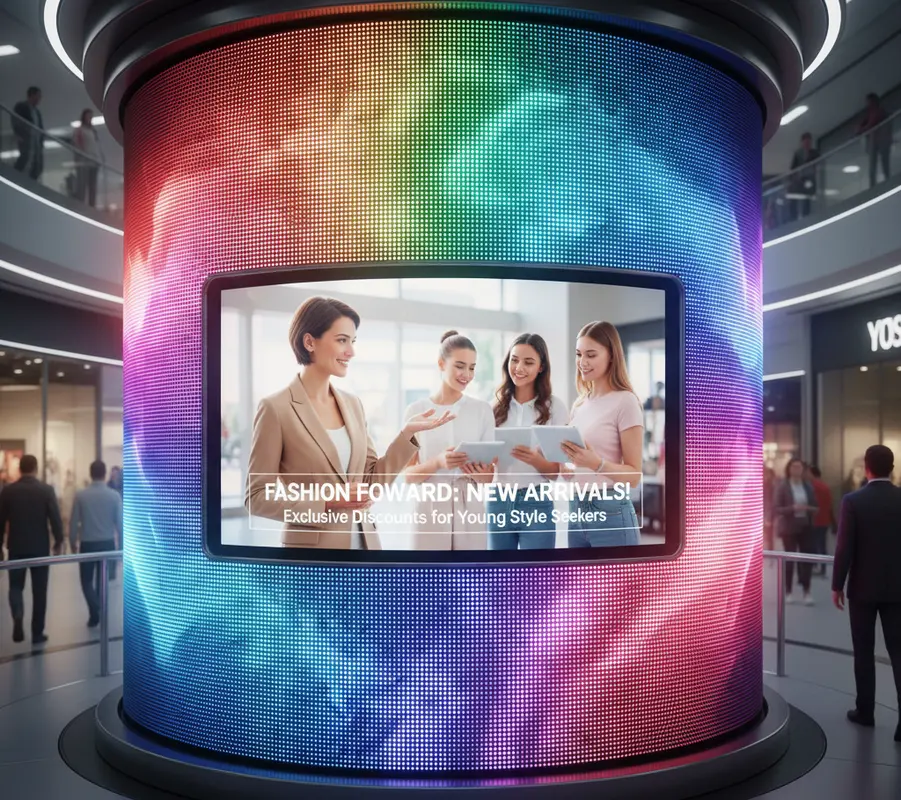
We look at screens all day long—our phones, laptops, TVs—but most of us never stop to think about how they actually create light. It’s a fascinating process, and understanding it can really help you when you’re buying your next device. You see all these terms like OLED, LED, and brightness, and it can get confusing.
Well, I’m here to clear that up for you. In this guide, we’re going to walk through the world of screen illumination together, step by step. I’ll explain everything in plain English, just like I would to a friend. My goal is to give you the confidence to know what you’re looking at, so you can choose the perfect screen for your needs without feeling overwhelmed.
The Very Basics of Light and Displays
Before we dive into the complex stuff, we need to cover the simple foundation. Every Screen Illumination you see is a delicate dance between light and color.
- The Need for Light: At its core, a screen cannot show an image without a light source. The pixels that form the picture are like tiny stained-glass windows; they need light from behind to be visible.
- Creating Color: These pixels are typically made of red, green, and blue sub-pixels. By mixing these three colors with different levels of light, your screen can create millions of different colors for you to see.
- The Two Main Families: All screen illumination technologies fall into one of two categories: those that use a separate backlight (like LEDs) and those where the pixels create their own light (like OLEDs). This is the most important distinction to understand.
How a Backlight Works: The Classic Method
This is the most common method used in many TVs and computer monitors. Imagine it as a stage play.
- The Light Source (The Spotlights): This is an array of tiny LED lights. Their only job is to produce a bright, white light. This is the first step in the entire process.
- Spreading the Light (The Stage Crew): The light from the LEDs is then passed through a “Light Guide Plate” and “Diffuser Sheets.” Think of these as a team that takes the harsh, direct light and spreads it out perfectly evenly across the entire “stage,” which is your screen.
- The Final Picture (The Actors): This now-uniform sheet of white light then hits the liquid crystal (LCD) layer. This layer contains millions of tiny shutters (pixels) that open and close to block or allow light to pass through. A color filter then gives the light its red, green, or blue color, creating the final image you see.
A Deep Dive into Different Types of Screen Illumination
Not all screens are lit the same way. The method used has a huge impact on the picture quality, price, and even the thickness of your device.
LED Backlighting: The Reliable Workhorse
You’ll find this technology everywhere, from budget TVs to office monitors. It’s reliable and effective.
- How it Works: This method uses Light Emitting Diodes (LEDs) as the light source placed behind the screen. It’s the engine that powers the display.
- The Two Flavors: There are two main types. Edge-Lit LEDs are placed just on the edges of the screen, allowing for very thin designs. Full-Array LEDs are spread out in a grid behind the entire screen for more uniform lighting.
- The Local Dimming Trick: High-end LED TVs use a feature called Local Dimming. This means they can dim or turn off specific sections of the LEDs independently. This helps dark scenes look darker by not lighting up black areas.
- Why It’s So Popular: LED technology is energy-efficient, long-lasting, and cost-effective to manufacture. This makes it a great choice for most everyday situations.
- A Small Drawback: Because the light comes from a separate backlight, it’s impossible to achieve perfectly black blacks. Some light always leaks through, making blacks look more like a dark gray, especially in a dark room.
- Our Personal Take: In our experience testing screens, a good Full-Array LED TV with local dimming offers a fantastic balance of price and performance for a family living room.
OLED Screen Illumination: The Pixel Magician
OLED is a completely different and truly revolutionary approach to screen illumination. It’s what we use in our premium displays.
- How it Works: With OLED, each individual pixel is its own tiny light source. There is no separate backlight at all. Each red, green, and blue sub-pixel creates its own light.
- The Magic of Perfect Blacks: This is the killer feature. Because each pixel makes its own light, it can turn itself off completely. When a pixel is off, it’s perfectly black. This creates an infinite contrast ratio, making colors pop in a way that LED screens can’t match.
- Viewing Angles and Color: Since there’s no backlight to block, the image looks consistent even when you’re viewing the screen from sharp angles. Colors remain true and don’t wash out.
- The Design Benefit: Without a backlight unit, OLED screens can be incredibly thin and flexible, leading to stunning designs like rollable TVs.
- A Consideration: OLED screens can be susceptible to “burn-in” if a static image (like a news channel logo) is left on the screen for thousands of hours continuously. However, for most normal viewers, this is not a common issue.
- Our Suggestion: If you are a movie lover who watches in a dark room and wants the absolute best picture quality available, OLED is the way to go. The difference in contrast is truly night and day.
Mini-LED: The Best of Both Worlds?
Mini-LED is an advanced version of LED backlighting that tries to bridge the gap between LED and OLED.
- What It Is: It uses the same basic principle as a Full-Array LED backlight, but the LEDs are dramatically smaller—thousands of them, in fact.
- Why Size Matters: Because the LEDs are so tiny, manufacturers can pack thousands of them into a screen and divide them into many more “dimming zones.” Some high-end TVs have over a thousand zones.
- The Result: With more zones, the TV can control brightness with much greater precision. This means it can get very close to OLED-like black levels by turning off tiny clusters of LEDs in dark parts of the image, while also achieving extremely high brightness levels.
- A Great Compromise: Mini-LED offers superb contrast and brightness, often at a lower cost than OLED, and without any risk of burn-in. It’s a fantastic technology for bright rooms.
- Our Experience: We’ve found that Mini-LED is the perfect choice for someone who wants top-tier performance but maybe has a very sunny living room where OLED’s peak brightness might not be enough.
Key Features That Define Your Viewing Experience
Beyond the core technology, a few key features really determine how good a screen will look.
- Brightness (Nits): This is simply a measure of how much light the screen can output. Higher brightness is better for fighting glare in sunny rooms and is essential for a good HDR experience.
- Contrast Ratio: This is the difference between the brightest white and the darkest black a screen can produce. A higher contrast ratio means a more lifelike and impactful image. This is where OLED truly shines.
- Color Gamut: This refers to the range of colors a screen can display. A “Wide Color Gamut” means the screen can show more vibrant and realistic colors, especially important for HDR content and photo editing.
- Uniformity: This is how evenly the light is spread across the screen. A screen with poor uniformity might have brighter spots around the edges or in the corners, which can be distracting.
Caring for Your Screen Illumination
A little care can keep your screen looking beautiful for years to come.
- Cleaning the Right Way: Always use a soft, dry microfiber cloth first. If you need to, you can lightly dampen the cloth with water. Never spray any cleaner directly onto the screen, as the liquid can seep in and damage the delicate illumination components.
- Avoiding Static Images: Try to avoid leaving the same static image on the screen for days on end. While modern screens have features to prevent this, it’s a good habit to use screen savers or turn the screen off when not in use.
- Managing Brightness: You don’t always need 100% brightness. Using a comfortable brightness level for your environment is easier on your eyes and can help prolong the long-term life of the screen’s illumination system.
The Future of Screen Illumination
The technology never stops evolving. Here’s a glimpse of what’s coming next.
- MicroLED: This is the next big thing. Imagine OLED, but with each pixel being a microscopic, self-emitting LED that can’t suffer from burn-in and can get even brighter. It’s currently very expensive but promises to be the ultimate display technology.
- Laser Screen Illumination: Primarily used in projectors now, laser light sources are incredibly bright, color-pure, and long-lasting. We may see this technology adapted for flat-panel displays in the future.
- Smarter Algorithms: The real-time software that controls dimming zones and color is getting more intelligent every year, leading to even more precise and beautiful images.
Conclusion
We’ve journeyed from the simple idea of a backlight to the pixel-level magic of OLED, and I hope you now see your screens in a whole new light. Understanding screen illumination isn’t about memorizing specs; it’s about appreciating the incredible engineering that goes into your devices. This knowledge empowers you to look past the marketing and choose the technology that truly fits your life. At www.ledscreentechnology.com, we’re passionate about breaking down these complex topics for you. We hope this guide has lit up the subject for you!
FAQs (Frequently Asked Questions)
LED screens use a separate backlight panel behind the screen to create light. OLED screens have pixels that produce their own light individually. This means OLED can turn off pixels completely for perfect blacks, while an LED screen dims zones of its backlight.
Both technologies are safe for your eyes. However, OLED screens can be easier on the eyes in a dark room because they don’t emit any light from pixels showing black content, reducing overall eye strain compared to a constantly lit LED backlight.
Nits are simply the unit of measurement for how bright a screen can get. The higher the number of nits, the brighter the screen. A brighter screen is easier to see in well-lit rooms and is essential for a good High Dynamic Range (HDR) viewing experience.
Repairing the illumination system, like a failed backlight, is a complex process that usually requires a professional technician. In many cases, especially with modern thin TVs, it can be more cost-effective to replace the device if it’s out of warranty.
This is often due to “backlight uniformity” issues. It can happen when the light from the LEDs isn’t spread perfectly evenly by the diffuser layers. It’s more common in edge-lit models and can be more noticeable when the screen is showing a solid dark color.
Burn-in is a potential issue for OLED screens where a faint, permanent ghost of a static image can remain if it’s displayed for thousands of hours without change. For most people with varied viewing habits, it’s not a problem, but it’s something to be aware of.
Yes, generally a higher contrast ratio is one of the most important factors for a great picture quality. It makes the image appear more lifelike, with deeper blacks and more punchy highlights, which adds depth and realism to movies and games.
LED backlights are designed to last a very long time. Most are rated for 30,000 to 60,000 hours of use. If you use your TV for 5 hours every day, it should last for well over 15 years before the brightness diminishes noticeably.
The key difference is size and number. Mini-LEDs are much smaller, allowing thousands more to be placed in the same space. This results in many more dimming zones, which greatly improves the precision of the contrast and black levels.
Flickering can have several causes. It could be a loose cable connection, an issue with the power supply, an incompatible refresh rate setting on a PC, or a problem with the backlight’s power control circuit. Always check your cables and settings first.






- Be Respectful
- Stay Relevant
- Stay Positive
- True Feedback
- Encourage Discussion
- Avoid Spamming
- No Fake News
- Don't Copy-Paste
- No Personal Attacks
- Be Respectful
- Stay Relevant
- Stay Positive
- True Feedback
- Encourage Discussion
- Avoid Spamming
- No Fake News
- Don't Copy-Paste
- No Personal Attacks
