Smart LED Displays Explained: Your No-Hype Guide to Smarter Screens
Published: 10 Jul 2025
“Why Pay for a Smart LED Displays If It Acts Dumb?”
It’s a fair question. You see ads for “smart” LED screens everywhere, but yours just… sits there. Meanwhile, your competitor’s display updates prices automatically, reacts to customers, and even saves energy. The difference isn’t magic—it’s understanding what “smart” really means for your business. Let’s fix that.
Smart LED Displays: The Brain Behind Tomorrow’s Digital Ecosystems
“Think” Smart LED Displays morning
Imagine a billboard that changes ads depending on the traffic flow, a grocery shelf that immediately updates prices, or a street light that brakes when someone is nearby. Smart LED screen -ot sensor, given by AI and Cloud Network -makes the vision come true. This guide unpacks their technique, influence in the real world, and they will redefine urban life, retail and beyond.
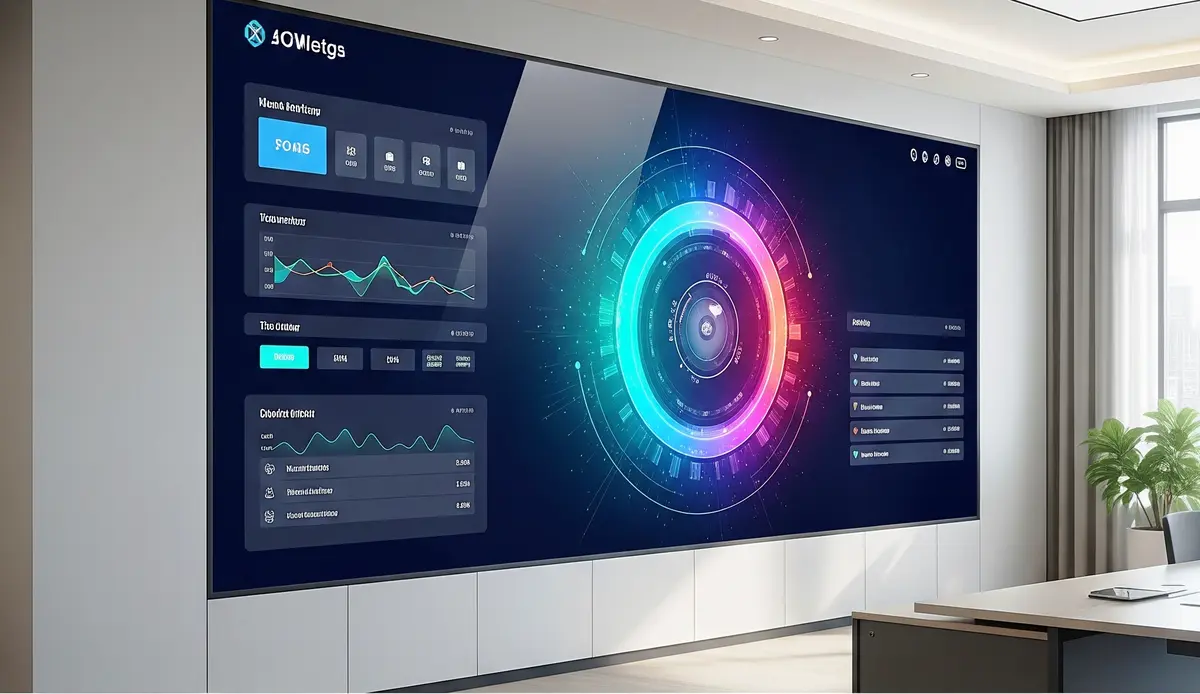
What Makes a Display “Smart”?
1.Core Smart Features Demystified
- Auto-Updates: Changes content based on time/weather/data (no USB swaps!).
- Remote Control: Manage screens from your phone or laptop.
- Sensors: Motion, light, or temperature sensors trigger actions.
- Energy Saving: Brightness adjusts to surroundings (cuts power bills 30%).
- Live Data Feeds: Shows social media, news, or inventory in real-time.
- Voice Control: “Hey display, show today’s specials!” works with Alexa/Google.
- App Ecosystem: Add tools like weather widgets or loyalty programs.
- Multi-Screen Sync: Control 50+ screens from one dashboard.
- AI Integration: Screens “learn” to show better content over time.
- Easy Troubleshooting: Get alerts if something’s wrong.
Example: A “smart” menu board updates prices when your supplier’s costs change.
2.Smart vs. Basic Displays: When to Upgrade
Don’t waste money on features you won’t use.
Choose Basic If You Need:
- Static content (e.g., permanent welcome signs)
- Simple setups (no staff tech skills)
- Tight budgets (basic screens cost 40% less)
Tip: Basic displays work great for warehouse safety signs or static logos.
Upgrade to Smart LED Displays When You Want:
- Time Savings: Cut manual updates from 5 hours/week to 10 minutes.
- Engagement: Let customers interact with touch/voice.
- Adaptability: Show raincoat ads on rainy days automatically.
- Data Power: Track how many people view your screen.
- Future Growth: Easily add new features later.
Real case: Jake’s café upgraded to smart displays → saved 12 staff hours weekly.
3. Top 3 Smart LED Displays Types for Beginners
Start simple, avoid overwhelm.
Plug-and-Play Smart Boards
- Best for: Restaurants, stores, offices
- Price: $300-$800 (e.g., Samsung SMART Signage)
- Setup: Unbox → Connect Wi-Fi → Drag/drop content
- Apps: Preloaded with calendar, weather, social media
- Control: Phone app or web dashboard
- Sensors: Built-in brightness adjustment
- Upgrades: Add USB cameras for customer counting
- Limits: Basic interactivity only
- Tip: Start with one screen to test
- Example: “Daily specials board that updates at 11 AM automatically.”
IoT-Enhanced Professional Displays
- Best for: Events, museums, outdoor ads
- Price: $1,000-$5,000 (e.g., LG Ultra Stretch)
- Setup: Needs simple controller (like Raspberry Pi)
- Apps: Connect to weather/APIs via no-code tools
- Control: Advanced cloud software
- Sensors: Add motion, temperature, foot traffic
- Upgrades: AI tools for audience analytics
- Limits: Requires Wi-Fi/4G
- Tip: Rent before buying to test
- Example: “Event display that shows session changes when schedules update.”
4. Setting Up Your First Smart LED Displays
Go live in 1 hour – no tech degree needed.
5-Step Simple Setup
- Pick Location: Near power + strong Wi-Fi (use a $15 signal booster if weak).
- Mount Securely: Use included brackets or a $20 VESA stand.
- Connect: Power → Wi-Fi → Free app (like ScreenCloud or Yodeck).
- Add Content: Drag/drop:
- PDF menus
- Live Instagram feeds
- Weather widgets
- Set Rules: Create one auto-rule (e.g., “Dim screen at 8 PM”).
Pro tip: Start with just weather + your logo – expand later!
Avoid These 3 Beginner Mistakes
- Overcomplicating: Don’t add 10 features day one. Master one (like scheduling).
- Ignoring Wi-Fi: Weak signals cause glitches. Test with your phone first.
- Forgetting Backups: Save content on a $10 USB stick for outages.
5. Real-World Impact Stories
See how businesses use Smart LED Displays.
Retail: The Smart Shelf Label That Boosted Sales 27%
Problem: Staff wasted hours changing paper tags.
Solution:
- Smart displays showed real-time prices
- Auto-updated via inventory system
- Highlighted discounts near expiry
Result: 27% more impulse buys + $8k monthly labor savings.
School: Interactive Hallway Displays That Cut Announcement Time
Problem: Class interruptions for announcements.
Solution:
- Touchscreens showed live schedules
- Students checked sports scores/events
- Teachers pushed alerts via app
Result: 80% fewer intercom interruptions.
Key Takeaway:
Start small—deploy pilot displays in high-impact zones (transit hubs, malls) to measure ROI before scaling.
10 Essential FAQs (Simple Answers)
Use TLS/SSL encryption + regular firmware updates. Isolate displays on a VLAN network.
Yes! Edge AI processes data locally. Content schedules cache during outages.
100,000+ hours (11+ years). Ensure IP65 rating for outdoor use.
30% cheaper than traditional signs—AI slashes manual checks.
Public-private partnerships (e.g., Cisco’s smart city grants) + energy rebates
Smart TV wireless display allows you to mirror or cast content (like videos, photos, or your phone/computer screen) wirelessly from compatible devices (phones, laptops, tablets) to your TV without cables.
Smart 7 LCD” typically refers to a 7-inch screen size LCD TV (like those from Hi-sense) that has built-in smart features (internet apps, streaming, etc.), not a specific technology


- Be Respectful
- Stay Relevant
- Stay Positive
- True Feedback
- Encourage Discussion
- Avoid Spamming
- No Fake News
- Don't Copy-Paste
- No Personal Attacks
- Be Respectful
- Stay Relevant
- Stay Positive
- True Feedback
- Encourage Discussion
- Avoid Spamming
- No Fake News
- Don't Copy-Paste
- No Personal Attacks
